When to Move Work Out of Next.js Into a Real Service
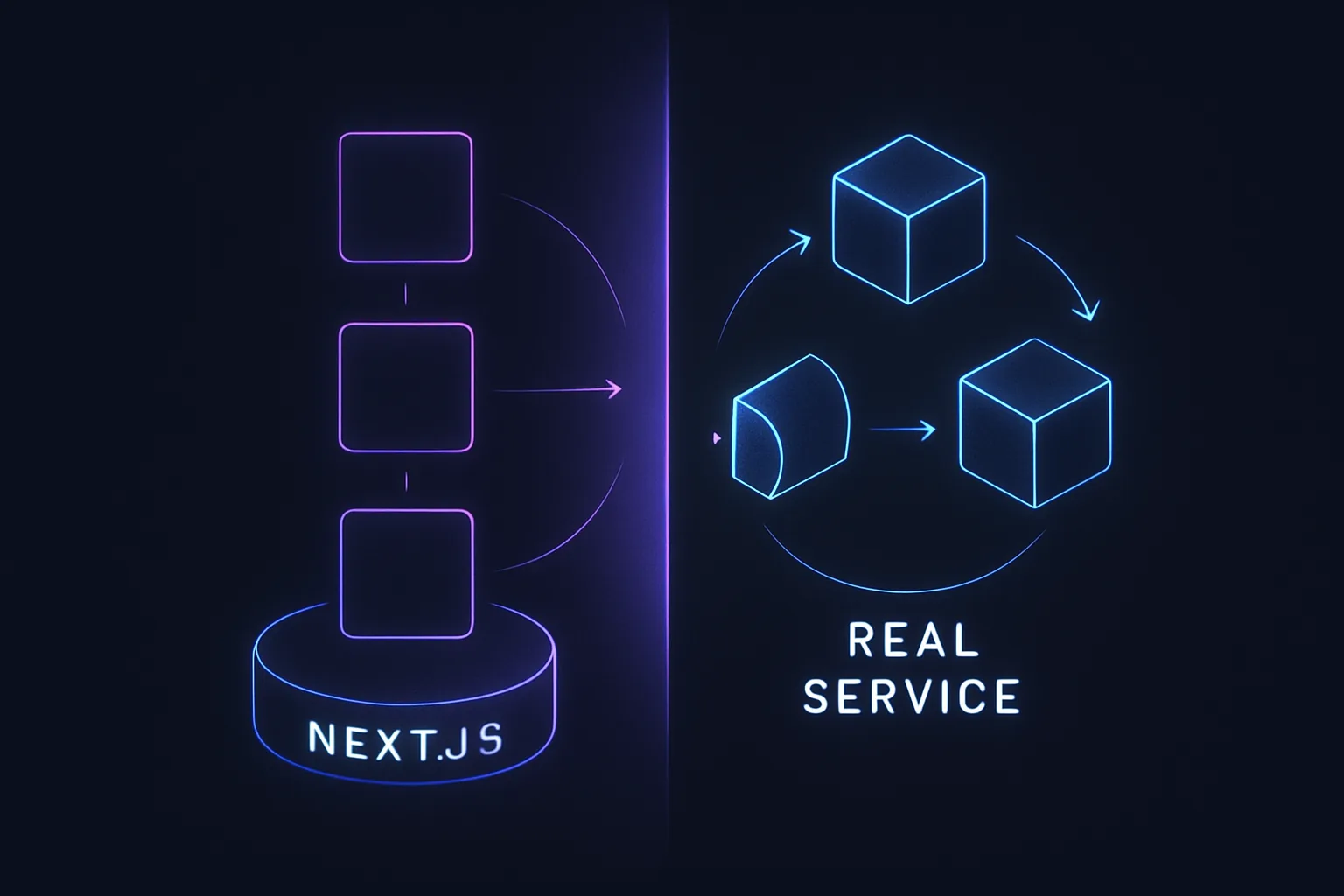
Next.js is a fantastic framework for building server-rendered React applications, but there comes a time when you might need to move some of your work into a dedicated service. This decision isn't always straightforward, and making the wrong choice can lead to unnecessary complexity or performance bottlenecks. In this post, we'll explore when it's time to transition from Next.js to a real service, the trade-offs involved, and how to make an informed decision.
Recognizing the Limits of Next.js

Next.js is designed to handle a wide range of use cases, from static site generation to server-side rendering. However, as your application grows, you might encounter scenarios where Next.js alone isn't enough. For instance, if you're dealing with heavy data processing, complex business logic, or require high concurrency, Next.js might start to show its limitations.
Real-World Insight: The Bottleneck
In one of our projects, we initially used Next.js to handle both the frontend and backend logic. As the application scaled, we noticed increased response times and server load. The bottleneck was primarily due to Next.js handling tasks it wasn't optimized for, such as intensive data processing and real-time updates.
Trade-Offs: Simplicity vs. Performance
Next.js offers simplicity by allowing you to build full-stack applications with minimal setup. However, this simplicity can become a double-edged sword. As your application grows, the performance trade-offs become more apparent. Moving to a dedicated service can improve performance but at the cost of increased complexity and maintenance.
Deciding to Transition
The decision to move work out of Next.js into a real service should be driven by specific constraints and requirements. Here are some key factors to consider:
1. Performance Requirements
If your application requires low-latency responses or handles a large number of concurrent users, it might be time to offload some work to a dedicated service. For example, a Node.js microservice can handle asynchronous tasks more efficiently than Next.js.
2. Scalability Needs
As your user base grows, so does the demand on your server. Next.js can handle a fair amount of traffic, but for applications with millions of users, a microservices architecture might be more suitable. This allows you to scale individual components independently.
3. Complexity of Business Logic
Complex business logic can clutter your Next.js application, making it harder to maintain. By moving this logic to a dedicated service, you can keep your Next.js codebase clean and focused on rendering.
4. Integration with Other Services
If your application needs to integrate with multiple external services, a dedicated backend service can act as a central hub, managing these interactions more efficiently than Next.js.
Making the Transition
Once you've decided to transition, it's crucial to plan the migration carefully. Here are some steps to consider:
Step 1: Identify the Workload
Determine which parts of your application are causing performance issues or are too complex for Next.js. This could be data processing tasks, API integrations, or business logic.
Step 2: Choose the Right Technology
Select a technology stack that suits your needs. For instance, if you're dealing with real-time data, consider using Node.js with WebSockets. For heavy data processing, a language like Python or Java might be more appropriate.
Step 3: Design the Architecture
Design a microservices architecture that allows for independent scaling and deployment. Use containerization tools like Docker and orchestration platforms like Kubernetes to manage your services.
Step 4: Implement and Test
Implement the new service and thoroughly test it to ensure it meets your performance and scalability requirements. Use load testing tools to simulate real-world traffic and identify any bottlenecks.
Step 5: Monitor and Optimize
Once the service is live, continuously monitor its performance and make optimizations as needed. Use monitoring tools like Prometheus and Grafana to gain insights into your application's behavior.
Conclusion
Transitioning work out of Next.js into a real service is a significant decision that can greatly impact your application's performance and scalability. By recognizing the limits of Next.js and carefully planning your transition, you can ensure a smooth migration that meets your application's needs.
- Evaluate your application's performance and scalability requirements.
- Identify workloads that are too complex or resource-intensive for Next.js.
- Choose the right technology stack for your new service.
- Design a scalable microservices architecture.
- Continuously monitor and optimize your services post-migration.
By following these steps, you can make an informed decision about when to move work out of Next.js and into a dedicated service, ensuring your application remains performant and scalable as it grows.