
Mastering the Maze: Navigating Large GitHub Repositories for the First Time
In the ever-evolving landscape of software development, open-source projects have become the backbone of innovation. As engineers, we often find ourselves diving into large GitHub repositories, whether to contribute, learn, or integrate with our systems. However, navigating these vast codebases can be daunting, especially when encountering them for the first time. This post aims to equip you with strategies and insights to effectively explore and understand large GitHub repositories.

Why This Topic Matters Now
As we step into 2025, the complexity and scale of open-source projects have grown exponentially. With the rise of microservices, cloud-native architectures, and AI-driven applications, repositories are no longer just collections of code—they are intricate ecosystems. Understanding these ecosystems is crucial for engineers who wish to contribute meaningfully or leverage these projects in their own systems.
Deep Dive into Concepts
Understanding the Repository Structure
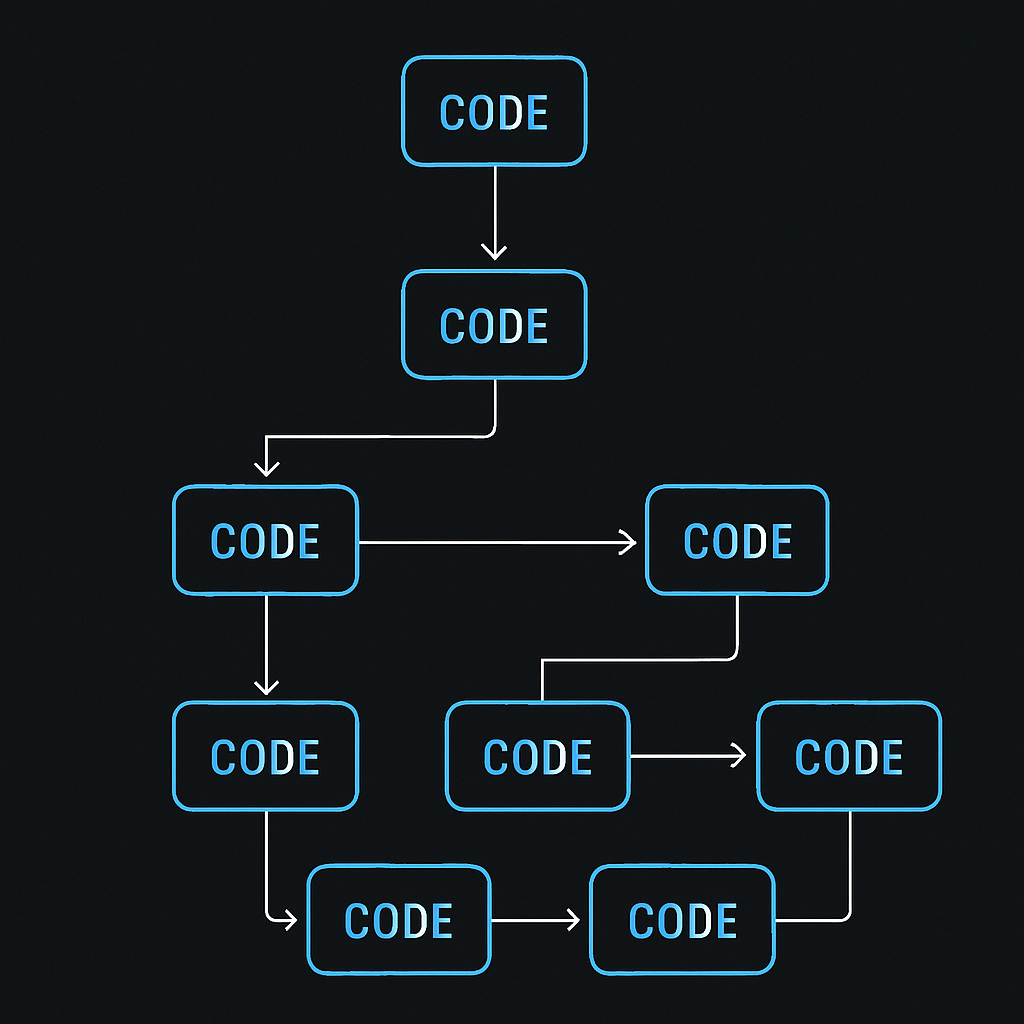
The first step in navigating a large repository is understanding its structure. Most repositories follow a conventional layout, but large projects might have additional layers of complexity. Here's a typical structure you might encounter:
- Root Directory: Contains essential files like
README.md,LICENSE, and configuration files. - Source Code: Usually found in directories like
src,lib, orapp. - Tests: Located in directories such as
testsorspec. - Documentation: Often in a
docsfolder, providing insights into the project's architecture and usage.
Identifying Key Components
To effectively navigate a repository, identify the key components that drive the project's functionality. This involves:
- Entry Points: Look for main files or scripts that initiate the application.
- Core Modules: Identify modules that encapsulate the primary logic.
- Configuration Files: Understand how the application is configured and deployed.
Example: Spring Boot Microservice
Consider a Spring Boot microservice repository. The entry point is typically a class annotated with @SpringBootApplication. Core modules might include services, controllers, and repositories, each serving a distinct purpose.
@SpringBootApplication
public class Application {
    public static void main(String[] args) {
        SpringApplication.run(Application.class, args);
    }
}
Real-World Use Cases
In practice, companies like Netflix and Airbnb have mastered the art of navigating and contributing to large open-source projects. They employ dedicated teams to manage their interactions with these repositories, ensuring that their contributions align with the project's goals and standards.
Pros, Cons, and Challenges
Pros
- Collaboration: Large repositories often have active communities, providing support and collaboration opportunities.
- Innovation: Access to cutting-edge technologies and practices.
Cons
- Complexity: Understanding the entire codebase can be overwhelming.
- Dependency Management: Large projects often have numerous dependencies, complicating integration.
Challenges
- Keeping Up-to-Date: Regular updates require continuous learning and adaptation.
- Contribution Standards: Adhering to the project's contribution guidelines can be challenging.
Best Practices / Recommendations
- Start with Documentation: Always begin by reading the
README.mdand any available documentation. - Use Code Navigation Tools: Leverage IDE features and tools like Sourcegraph to explore the codebase.
- Engage with the Community: Participate in discussions and seek guidance from the community.
Common Mistakes Engineers Make
- Ignoring Documentation: Skipping the documentation can lead to misunderstandings and wasted effort.
- Overlooking Tests: Tests provide valuable insights into the code's functionality and edge cases.
When NOT to Use This Approach
Avoid diving into large repositories if:
- Time Constraints: You have limited time and need quick results.
- Lack of Interest: You're not genuinely interested in the project's domain or technology.
How This Impacts System Design Interviews
Understanding large repositories can enhance your system design skills, a crucial aspect of technical interviews. It demonstrates your ability to comprehend complex systems and contribute effectively.
Future Outlook
As open-source projects continue to grow, tools and practices for navigating large repositories will evolve. AI-driven code analysis and visualization tools are on the horizon, promising to simplify this process further.
Conclusion with Key Takeaways
Navigating a large GitHub repository requires a strategic approach. By understanding the structure, identifying key components, and leveraging community resources, you can effectively explore and contribute to these projects. As the open-source landscape evolves, staying adaptable and continuously learning will be key to mastering this skill.
By following these guidelines, you'll be well-equipped to navigate even the most complex repositories, turning potential confusion into a rewarding learning experience.