Keyboard-Driven Development: Going Mouse-Free for Speed
In the fast-paced world of software development, every second counts. As engineers, we constantly seek ways to optimize our workflows and boost productivity. One trend gaining traction is keyboard-driven development—an approach that minimizes mouse usage in favor of keyboard shortcuts and commands. This method promises not only speed but also a more immersive coding experience.
Why Keyboard-Driven Development Matters Now
As we step into 2025, the software development landscape is more demanding than ever. With the rise of microservices, cloud-native applications, and AI-driven solutions, engineers are expected to deliver high-quality software at an unprecedented pace. Keyboard-driven development aligns perfectly with these demands, offering a streamlined way to navigate complex codebases and development environments.
Moreover, the proliferation of powerful IDEs and command-line tools has made it easier than ever to adopt a keyboard-centric workflow. Tools like IntelliJ IDEA, Visual Studio Code, and terminal-based editors like Vim and Emacs are designed with extensive keyboard shortcut support, enabling developers to perform tasks with minimal context switching.
Deep Dive into Concepts
The Power of Keyboard Shortcuts
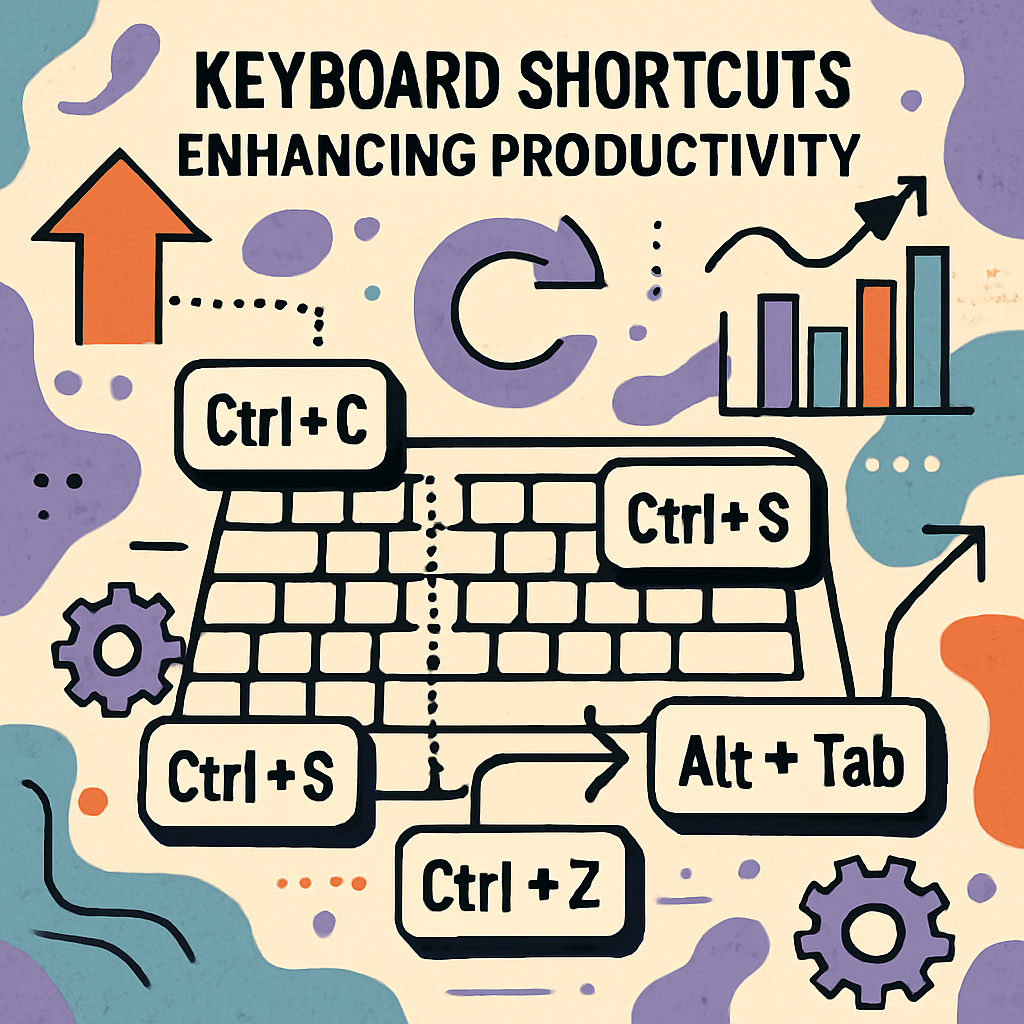
Keyboard shortcuts are the backbone of keyboard-driven development. They allow developers to execute commands quickly without leaving the home row. For instance, in IntelliJ IDEA, you can refactor code with Ctrl + Shift + Alt + T, navigate between files with Ctrl + E, and even run tests with Ctrl + Shift + F10.
Here's a simple Java code snippet demonstrating how keyboard shortcuts can enhance productivity:
public class Calculator {
    public int add(int a, int b) {
        return a + b;
    }

    public int subtract(int a, int b) {
        return a - b;
    }
}

// Using shortcuts, you can quickly navigate, refactor, and test this code.
Command-Line Efficiency
The command line is another critical component of keyboard-driven development. Tools like Git, Docker, and Kubernetes offer powerful command-line interfaces that can be leveraged for efficient development and deployment processes. For example, using git commit -am "message" allows you to stage and commit changes in one go, saving time and reducing errors.
Real-World Use Cases
Microservices Development
In a microservices architecture, managing multiple services can be cumbersome. Keyboard-driven development can simplify this by allowing engineers to quickly switch between service directories, run build scripts, and deploy services using command-line tools.
DevOps and CI/CD Pipelines
For DevOps engineers, keyboard-driven development can streamline the management of CI/CD pipelines. Using command-line tools like Jenkins CLI or GitLab CI/CD commands, engineers can trigger builds, monitor pipeline status, and deploy applications without leaving the terminal.
Pros, Cons, and Challenges
Pros
- Increased Speed: Reduces the time spent on repetitive tasks.
- Enhanced Focus: Minimizes context switching, allowing for deeper concentration.
- Greater Efficiency: Streamlines workflows, especially in complex environments.
Cons
- Learning Curve: Requires time to learn and memorize shortcuts.
- Initial Setup: Configuring tools and environments for optimal keyboard use can be time-consuming.
Challenges
- Consistency Across Tools: Not all tools support the same shortcuts, leading to potential confusion.
- Accessibility: May not be suitable for all developers, particularly those with physical limitations.
Best Practices / Recommendations
- Start Small: Begin by learning a few essential shortcuts and gradually expand your repertoire.
- Customize Shortcuts: Tailor shortcuts to your workflow for maximum efficiency.
- Use Cheat Sheets: Keep a list of shortcuts handy until they become second nature.
- Practice Regularly: Consistent practice is key to mastering keyboard-driven development.
Future Outlook
As development environments continue to evolve, keyboard-driven development is likely to become even more integral to software engineering. With advancements in AI and machine learning, we can expect smarter IDEs that predict and suggest shortcuts based on usage patterns, further enhancing productivity.
Conclusion with Key Takeaways
Keyboard-driven development offers a compelling approach to boosting productivity in software engineering. By minimizing mouse usage and leveraging keyboard shortcuts and command-line tools, developers can achieve greater speed and efficiency. While there are challenges to overcome, the benefits make it a worthwhile investment for any engineer looking to optimize their workflow.
Common Mistakes Engineers Make
- Overloading with Shortcuts: Trying to learn too many shortcuts at once can be overwhelming.
- Ignoring Tool-Specific Features: Not all shortcuts are universal; understanding tool-specific capabilities is crucial.
When NOT to Use This Approach
- Accessibility Concerns: If keyboard use is physically challenging, this approach may not be suitable.
- Highly Visual Tasks: Tasks requiring extensive visual interaction, like UI design, may benefit more from mouse use.
How This Impacts System Design Interviews
In system design interviews, demonstrating proficiency with keyboard-driven development can showcase your efficiency and familiarity with modern tools. However, it's essential to balance speed with clarity, ensuring that your design decisions are well-communicated.
By embracing keyboard-driven development, engineers can unlock new levels of productivity and focus, making it an invaluable skill in today's fast-paced tech landscape.